Payroll Tax Calculator: A Simple Way to Understand Deductions and Net Pay

Emmanuel Amegah
August 22, 2025
A payroll tax calculator helps you translate gross salary into real take-home pay by estimating taxes and statutory deductions. For employees, it answers the question everyone asks on payday: “What actually hits my bank account?” For employers and platform builders, it reduces support tickets, builds trust, and creates a clear baseline for compensation planning.
If you are exploring a paycheck calculator, salary paycheck calculator, or a payroll deductions online calculator, this guide explains how these tools work, the problems they solve, where they fall short, and when to graduate to production-grade infrastructure that supports multi-country payroll at scale.
What a Payroll Tax Calculator Does

A payroll tax calculator provides quick estimates of gross-to-net pay by factoring in statutory deductions, employer contributions, and personal income tax. It’s not designed to replace a full payroll system, but it equips decision-makers with clarity on:
- Employee take-home pay: How much an employee keeps after deductions.
- Employer cost per hire: Taxes, contributions, and overhead beyond gross salary.
- Regional payroll differences: Variations between markets for salary expectations.
This makes it a useful tool not just for HR teams, but also for sales leaders, finance teams, and anyone exploring new market entry.
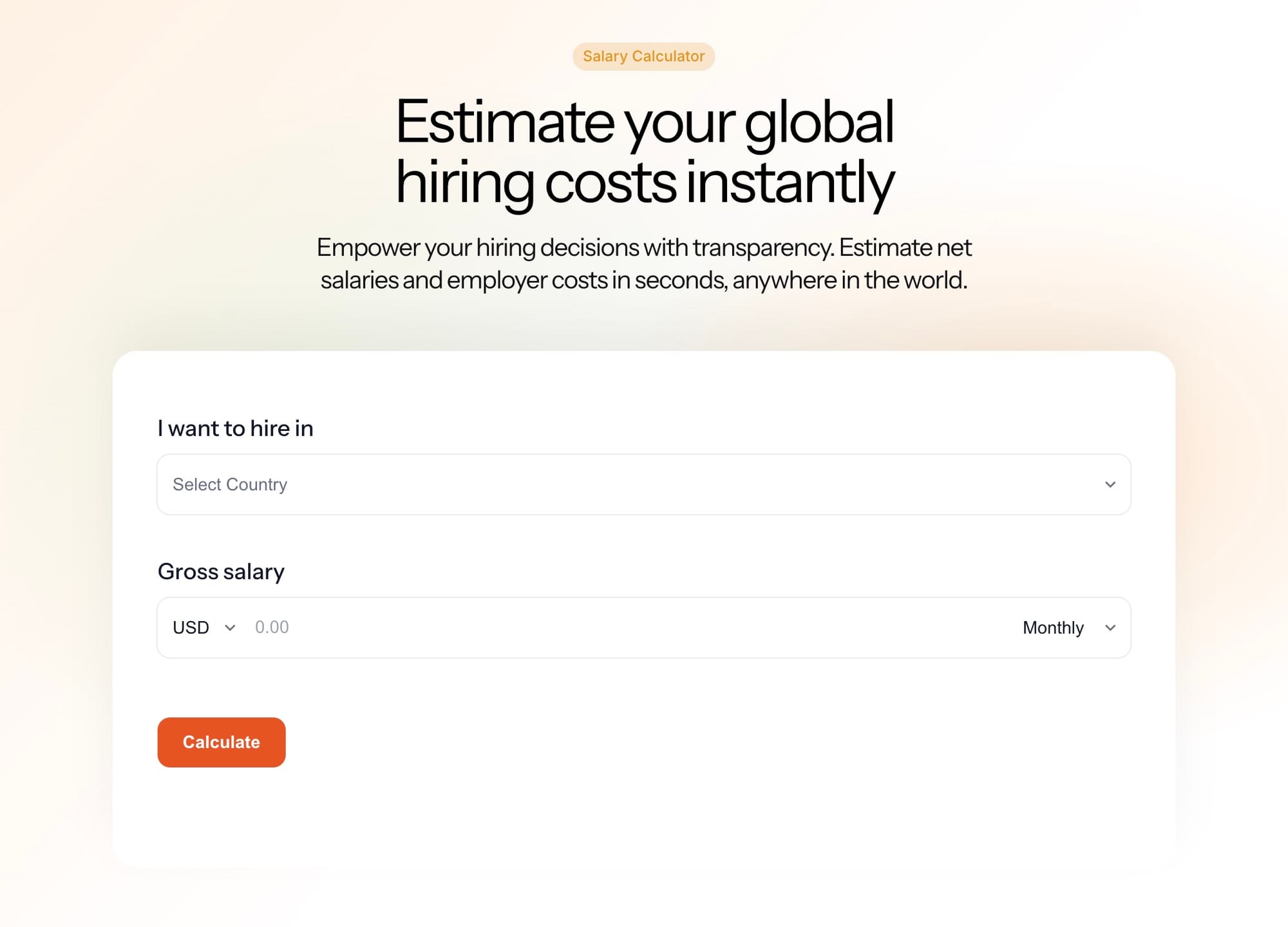
You can try a simple version here: the salary calculator shows an estimated take-home pay breakdown with common deductions so you can sense-check an offer or validate your payslip.
How the Calculation Works (in plain English)
- Start with gross pay for the period.
- Subtract pretax benefits or allowances if applicable.
- Apply the correct income tax brackets and credits.
- Add required social contributions and statutory levies.
- Subtract other required items to arrive at net pay.
Well-designed tools show a transparent, line-by-line breakdown so anyone can see how net pay is derived.
The Problems a Calculator Solves
For multinational companies, the first barrier to hiring in a new market is uncertainty. Without tools like payroll calculators, companies risk:
- Overestimating costs and backing away from viable opportunities.
- Underestimating costs and later facing compliance risks or unbudgeted expenses.
- Delaying client conversations while waiting on specialized payroll expertise.
By bridging this gap, a calculator becomes the first layer of validation when entering new markets.
Why It Matters for Market Expansion
Imagine a company’s sales team is in talks with a new client who wants to hire three employees in a country where the company has no prior presence. Instead of waiting weeks to gather local payroll expertise, the team can use a Payroll Tax Calculator to instantly generate ballpark estimates for hiring costs.
Even if the calculator isn’t 100% precise, it provides a credible baseline to validate quotes, strengthen negotiations, and build client trust. In fast-paced business environments, this ability to “speak the language” of costs in a new market can make the difference between winning or losing a deal.
Where Calculators May Fall Short

A payroll tax calculator is a helpful estimator, not a substitute for regulatory compliance. Common limitations include:
- Changing rules that require near real-time updates
- Edge cases such as mid-period starts, retro adjustments, multiple allowances, or clawbacks
- Local forms and onboarding flows that affect tax treatment
- Complex worker profiles across multiple countries and entities
- System of record needs for audit trails, versioning, and approvals
If you are running payroll at scale, a calculator gives you a baseline view, but it does not replace production-grade automation and controls.
When a Paycheck Calculator Is Enough vs When It Is Not
Great fit
- Estimating take-home pay for a candidate or new hire
- Validating a payslip
- High-level cost planning for a new country
- Internal education for non-finance stakeholders
Not enough
- Running multi-country payroll in production
- Guaranteeing compliance as laws change
- Automating filings, localized forms, or entity-specific rules
- Providing defensible, audit-ready calculations with version control
Why Multinational Companies Need More Than a Calculator
As teams expand, payroll logic must adapt to new jurisdictions, frequent rule changes, and different worker types. Hardcoding rules in a spreadsheet or stitching together calculators creates operational risk. You need:
- Up-to-date rules for 100+ countries
- Webhook alerts when laws change
- Unified APIs for gross to net and net to gross
- Transparent, auditable outputs
- Embedded onboarding forms by jurisdiction
- Separation of logic from funds flow
This is the gap between a calculator and embedded payroll infrastructure.
From Calculator to Infrastructure
Cadana provides the underlying layer that product and payroll teams can build on. The Global Embedded Payroll Tax Engine powers compliant calculations across 100+ countries with developer-friendly APIs. It delivers:
- Unified gross-to-net and net-to-gross APIs
- Automatic regulatory updates with notifications
- Transparent calculation logic suitable for audits
- Embedded onboarding documents that match the jurisdiction
- Logic-only architecture so you keep control of payouts
Use the public salary calculator to educate, then connect the engine to run real payroll, support global offers, and eliminate manual tax maintenance.
Calculator vs Embedded Payroll Infrastructure
| Need | Payroll Tax Calculator | Embedded Payroll Infrastructure |
|---|---|---|
| Quick gross-to-net estimate | Yes | Yes |
| Multi-country accuracy at scale | Partial | Full |
| Automatic law and threshold updates | Varies | Yes, real time |
| Local onboarding forms and flows | No | Yes |
| Audit-ready transparency and versioning | Basic | Advanced |
| Production payroll and approvals | No | Yes |
| API integration into your product | Limited | First-class |
How to Use Calculators to Improve Employee Experience
- Link to the salary calculator in offer letters so candidates understand take-home pay.
- Add calculator outputs to onboarding guides to explain deductions.
- Encourage managers to review gross-to-net basics before compensation conversations.
- Use calculator insights to validate payroll tickets before escalation.
These small steps increase trust while you evaluate deeper automation.
Frequently Asked Questions
- Is a payroll tax calculator accurate?
It provides a strong estimate using current rules and typical deductions. Edge cases, retro pay, or company-specific benefits may produce different results in production. - What is the difference between a paycheck calculator and a salary paycheck calculator?
Both estimate net pay. A paycheck calculator usually focuses on a single pay period. A salary paycheck calculator may include annualized context and recurring benefits. - Can I rely on a payroll deductions online calculator for compliance?
Use it for education and planning. For production payroll and audits, you need embedded payroll infrastructure with automatic updates, jurisdictional logic, and transparent outputs.
The Bottom Line
A payroll tax calculator is the simplest way to understand deductions and net pay. It improves clarity, speeds up hiring, and reduces support work. For multinational operations, it is a starting point, not the finish line. When you need compliance that keeps pace with global growth, graduate to infrastructure that is built for scale.
See the foundation behind modern payroll experiences. Explore the Global Embedded Payroll Tax Engine or book a demo to power embedded or white-label payroll with confidence.
Emmanuel Amegah